All Plugins
 Revit ⇆ DWG
 Revit ⇆ Excel
 Contact
The Ultimate Bridge Between Revit & AutoCAD
Version: 5.8.0.0
Revit 2021+
AutoCAD 2020+
(Not compatible with LT versions)
AutoCAD not required for “One Layout” feature
⭐ Includes a 30-Day Free Trial


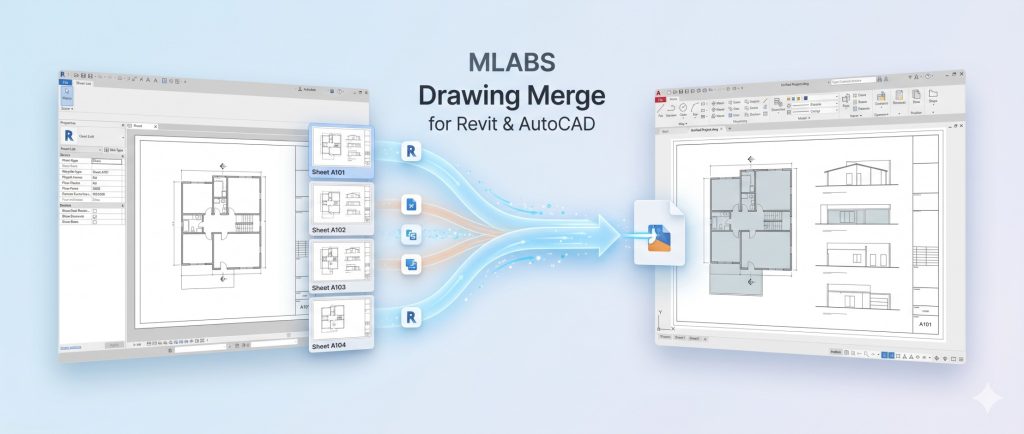
Optimize your BIM-to-CAD workflow with advanced tools designed to seamlessly bridge the gap between Revit and AutoCAD. When you need to export Revit sheets to DWG quickly and accurately, our plugin delivers a professional-grade solution. Whether your project requires you to batch export Revit sheets to DWG, merge multiple drawings, or directly export Revit sheets to AutoCAD Model Space, we have you covered. Automate deliverables and manage your drawing sheets with unprecedented efficiency.
Combine multiple DWG files into a single master drawing instantly. Our intelligent engine preserves all original layouts, ensuring your comprehensive project organization remains perfectly intact.
Master your Revit-to-AutoCAD workflow with our comprehensive, step-by-step guides:
Version: 5.8.0.0
Revit 2021+
AutoCAD 2020+
(Not compatible with LT versions)
AutoCAD not required for “One Layout” feature
⭐ Includes a 30-Day Free Trial