 Free plugins
 Premium Plugins
 Donate
 Contact
 Blog
Blog
Revit autosave is a critical feature that every BIM professional needs to protect their hard work. While Autodesk® AutoCAD® has a built-in auto-save function, Revit users have long struggled with the lack of a true automatic saving mechanism.


Revit autosave is a critical feature that every BIM professional needs to protect their hard work. While Autodesk® AutoCAD® has a built-in auto-save function, Revit users have long struggled with the lack of a true automatic saving mechanism.

This powerful tool automates the complex geometry joining process between Walls, Floors, Columns, and Foundations, ensuring your BIM models are perfectly coordinated and visually clean with just a single click.
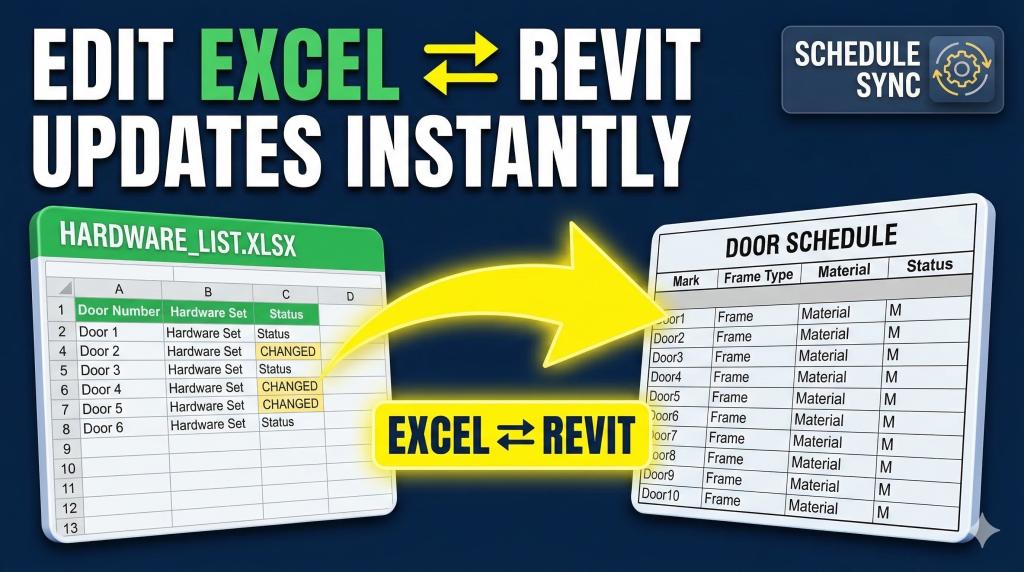
Welcome to the ultimate solution for your Revit export import Excel needs. A powerful BIM workflow plugin designed to effortlessly export, modify, and synchronize Revit schedules with Microsoft Excel. With this tool, you can enhance your daily tasks with an efficient and error-free Revit export import Excel process, saving countless hours of manual data entry.
⚠️ Resolving License Activation Issues Cause: Due to a recent license server upgrade, some plugin versions may experience activation failures or licensing errors. Solution: We are currently updating all Revit plugins. While updated versions are pending approval from the Autodesk App Store, you can download the latest builds directly from the table below. Plugin Name […]
Wastewater treatment plant 6000CMD – Revit project Revit version: 2020 Location: Vietnam
A Temporary Pause on Free Revit Plugin Development Hello everyone, I hope you’re doing well. I wanted to take a moment to share a quick update with you. Due to some current financial challenges, I’ve made the difficult decision to temporarily pause the development of my free Revit plugins. This isn’t a decision I take […]
The plugin does not appear in the Revit/AutoCAD ribbon Cause: Due to security concerns regarding the Autoloader plugin loader path (%ProgramData%/Autodesk/ApplicationPlugins), a new plugin folder has been introduced at %AppData%/Autodesk/ApplicationPlugins. This applies to all Autodesk plugins starting from the 2025. Solution: Before installing, please uninstall the official version first, since it was created by the Autodesk […]